
Roblox • PC Hardware • Creator Activity
Custom PC Tycoon: A Beginner’s Guide for Kids
Custom PC Tycoon gives kids a playful introduction to computer hardware by letting them build virtual PCs and grow a business around the computers they create.
The original tutorial for this resource was created by Shawn’s son. It walks beginners through the basics of building a PC inside the Roblox experience and developing the virtual business that sells the computers.
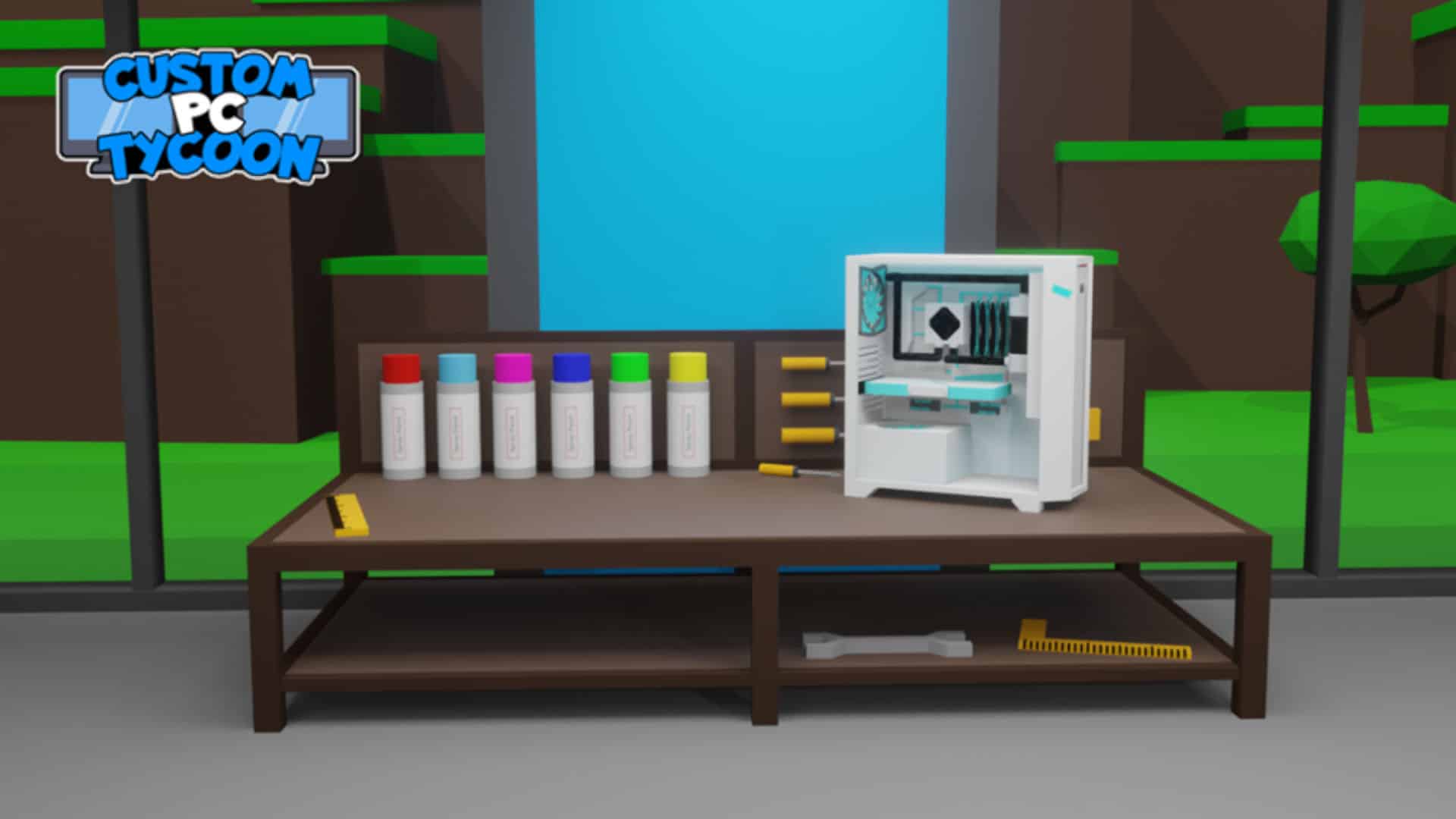
Watch the beginner guide
Watch the Custom PC Tycoon Tutorial on YouTube
Use the game as a hardware conversation starter
As your child plays, ask what the different computer components do. A game does not replace hands-on hardware experience, but it can create curiosity about parts such as the processor, graphics card, memory, storage, power supply, cooling, and case.
Add a creation challenge
- Design a PC for a specific type of customer, such as a gamer, video editor, or student.
- Explain which components matter most for that customer and why.
- Compare two possible builds and decide which provides better value.
- Create a name, brand, or marketing idea for the virtual PC business.
From playing Roblox to creating with Roblox Studio
Roblox Studio lets students move from playing experiences to building their own environments and coding interactive behavior.