
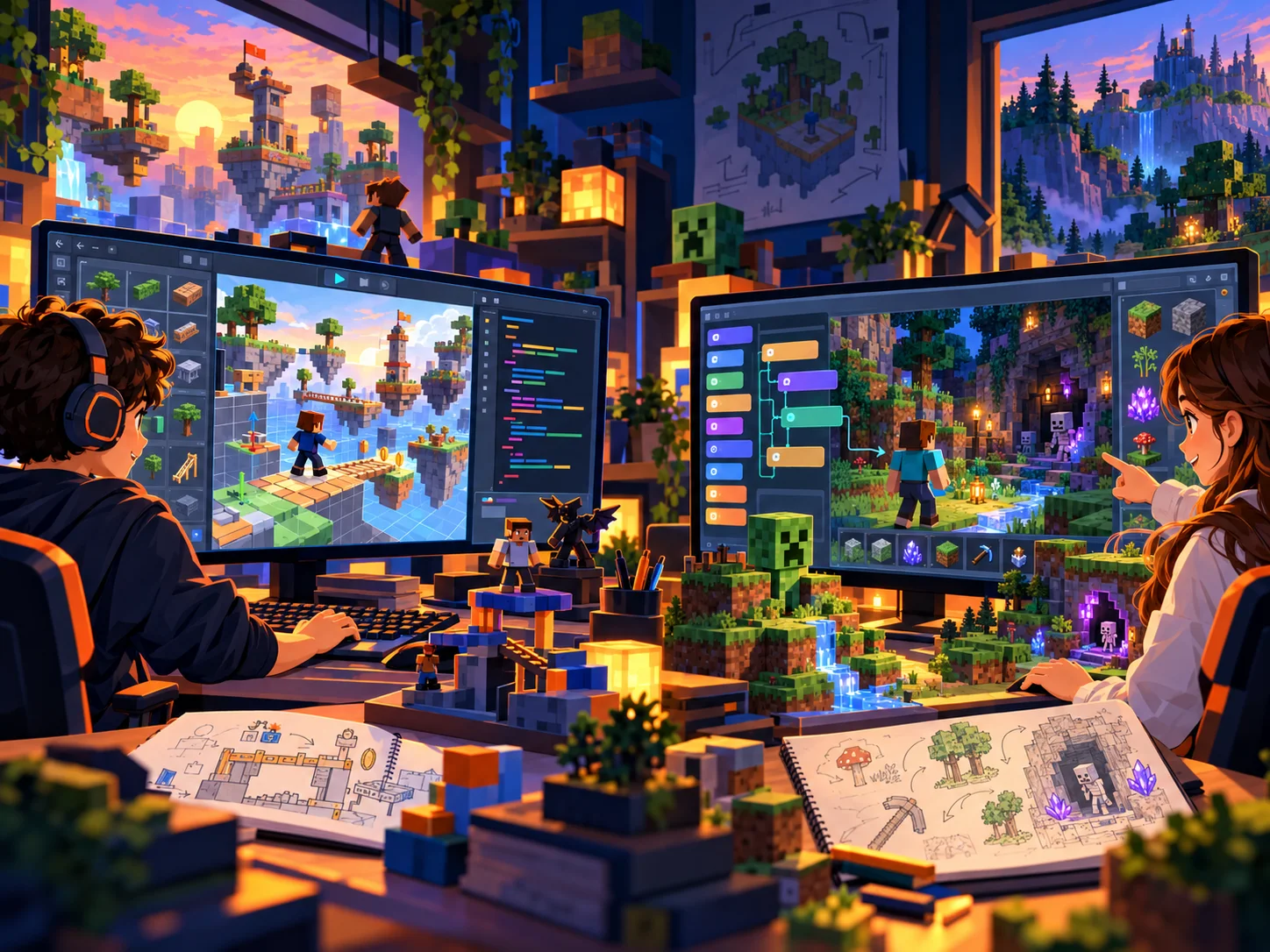
Learn coding by creating games kids are excited to build.
Create2Discover helps students learn how code works through Roblox Studio and Minecraft Modding. Students build, test, debug, and make creative choices while learning with an experienced educator.
See what families say about Create2Discover.
Before choosing an online coding class, hear directly from families who have experienced our teaching. Their feedback is published independently on Trustpilot.
See Create2Discover in action
Creative coding begins with a great idea.
Watch a quick introduction featuring real Roblox and Minecraft projects, thoughtful questions, and encouraging instruction.
Different students need different ways to learn.
Choose a self-paced path, personalized support for one learner, or bring a group that already wants to create together.
Self-Paced Roblox
Start now and learn on your own schedule
A guided beginner Roblox Studio course with 11 units, saved progress, hands-on projects, and built-in help when a learner gets stuck.
- Ages 9–13 • beginner friendly
- One-time $70 launch price
- Work at your own pace
Self-Paced Minecraft Modding
Create Minecraft mods on your own schedule
A hands-on MCreator beginner course with nine required units, one optional final lesson, custom blocks, tools, mobs, saved progress, and help with troubleshooting.
- Ages 10–14 • beginner friendly
- One-time $70 course price
- Minecraft Java Edition required
1-on-1 Tutoring
Personalized support for one learner
Curriculum-led lessons with pacing, explanations, review, and questions adjusted to the student.
- Roblox Studio or Minecraft Modding
- Live online, typically weekly
- Creative choices inside clear learning goals
Private Groups
Bring learners who want to create together
Families, friends, homeschool groups, schools, clubs, and organizations bring the group. Create2Discover provides the live online instruction.
- 2–9 learners from your own group
- Roblox Studio or Minecraft Modding
- Scheduling planned with the organizer
Create with Roblox Studio or Minecraft Modding.
Both paths connect coding concepts to something students can build, test, and change themselves.
Build interactive games
Students learn how objects, scripts, events, variables, functions, loops, and logic work by using them in games they can play.
Create custom mods
Students use MCreator and Blockly to build custom blocks, tools, mobs, behaviors, and game systems inside Minecraft Java Edition.
Coding gives students a place to practice thinking.
Building a game or mod gives students a reason to break a goal into steps, test an idea, notice what went wrong, debug, and improve the result.
Plan
Decide what should happen and what the player should experience.
Build
Create the objects, systems, and code needed to make the idea work.
Test
Run the project, observe what happens, and investigate problems.
Improve
Change one part, test again, and explain why the result changed.
AI can help build. Students still need to know what should be built.
The habits students practice while coding—defining a goal, breaking it into steps, testing, debugging, and judging whether the result works—also matter when using increasingly capable AI tools.
Technology is the tool. Teaching is the foundation.
Shawn Walk has more than 20 years of teaching experience, including 11 years as a classroom teacher. Create2Discover emphasizes understanding over copying and encouragement over perfection.
Understanding over copying
Students are encouraged to explain what happened and why a change worked.
Parent communication
Families receive clear information about what students are learning and why it matters.
Creative choices
Students make meaningful decisions inside the lesson goals instead of following a script without thinking.
What parents say about Create2Discover.
Families describe patient, personalized teaching that helps students understand what they are building, stay motivated, and grow more confident as creators.
He encourages him to think independently
She is always looking forward to her lessons
His post meeting written summaries are incredibly helpful
Real family experiences
Stories from Create2Discover families
Hear directly from a parent and learner, or choose a student’s perspective on learning to build games.
Useful ideas for parents and creators.
Try a hands-on activity, explore a creativity strategy, or support problem solving at home.
Creative Problem Solving for Kids: SCAMPER
A practical strategy that helps children generate and transform ideas.
Explore SCAMPER →Fun Minecraft Challenges for Your Kids
Use Minecraft as a setting for creative building and problem solving.
Try Minecraft Challenges →Encouraging Productive Struggle
Help a child work through difficulty without taking the problem away from them.
Read the Parent Guide →What would your learner like to create?
Start with a self-paced Roblox Studio or Minecraft Modding course, choose 1-on-1 tutoring for personalized pacing, or plan a private group for learners who want to create together.