
Minecraft Modding • 1-on-1 Tutoring • Ages 8–14
Create Minecraft mods. Learn the coding logic behind them.
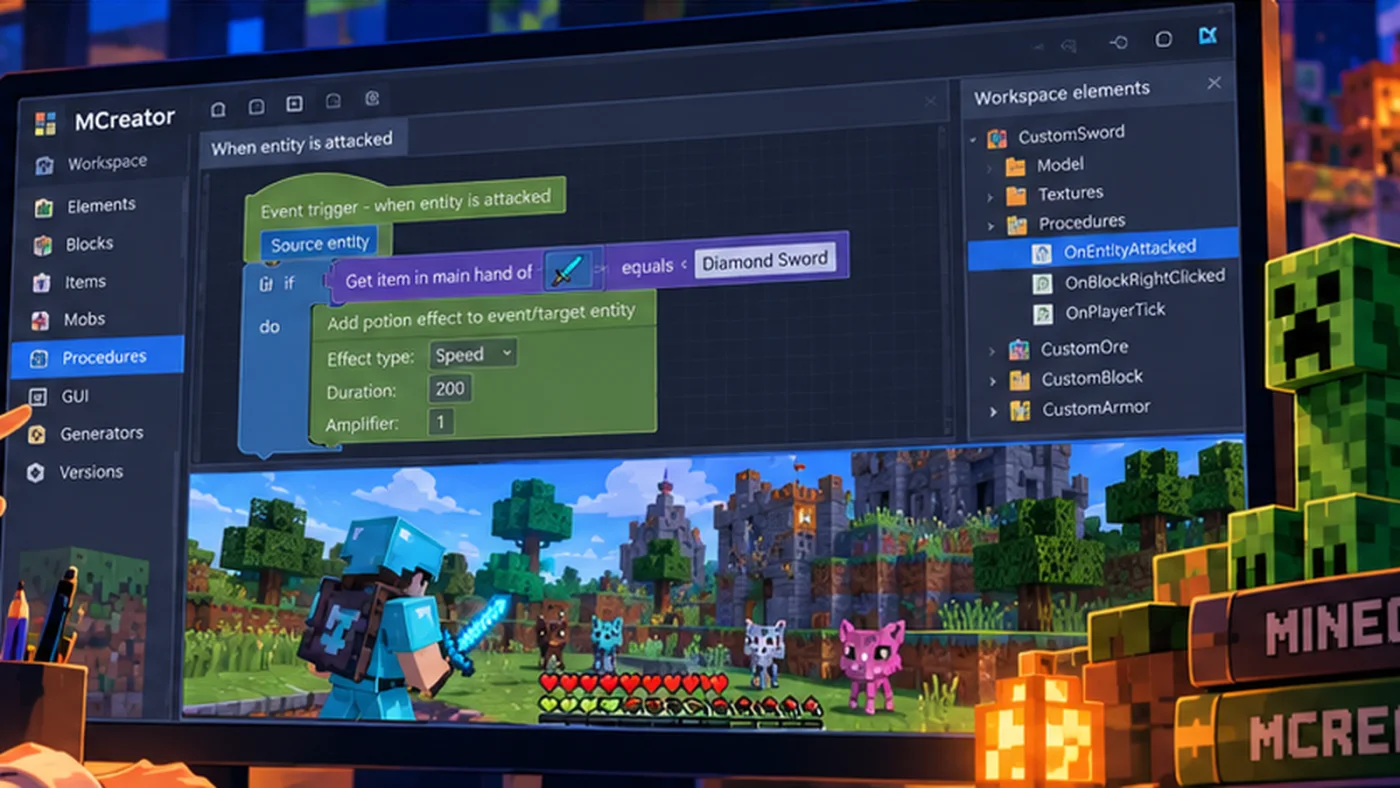
Live online, 1-on-1 Minecraft modding tutoring for kids ages 8–14. Using MCreator with Minecraft Java Edition, students create custom blocks, tools, mobs, and interactive behaviors while exploring coding logic, testing, and game design. Lessons are personalized for beginners and more experienced creators.
8–14
Live online, 1-on-1
Weekly, 1 hour
$90/hour
SEE MINECRAFT TUTORING IN ACTION
Turn Minecraft ideas into custom mods.
See how personalized MCreator tutoring helps learners design custom blocks and tools, test new game behaviors, and work through coding challenges with guidance.
What students create
Custom Minecraft content
Create blocks, tools, weapons, items, effects, mobs, and other modded content.
Interactive behavior
Use Blockly coding to work with events, logic, variables, loops, functions, and AI behavior.
Models and textures
Use Blockbench when appropriate to create custom visual assets for Minecraft mods.
Is Minecraft modding tutoring right for my child?
If your child enjoys Minecraft and wants to create something new inside the game, modding can be an engaging introduction to coding and game design.
This tutoring may be a good fit if your child:
- Loves Minecraft and wants to make custom items, blocks, or creatures.
- Enjoys experimenting and figuring out how things work.
- Is interested in coding but doesn’t know where to begin.
- Has tried MCreator and needs guidance with a project.
- Would benefit from individual instruction and flexible pacing.
Does my child need coding experience?
No previous coding experience is required for beginner projects.
We can introduce programming concepts through MCreator’s visual Blockly tools, then help students build their understanding as their projects become more complex.
Is this the same as Minecraft gameplay tutoring?
Not quite.
Our lessons focus on creating Minecraft mods and learning how game systems work, rather than coaching students on survival strategies, competitive gameplay, or general Minecraft progression.
Students use Minecraft as a creative development environment where they can build, test, and improve their own ideas.
How tutoring is personalized
Students who are new to MCreator begin with beginner-friendly modding and programming fundamentals. Students with experience can build on their existing skills and move into more advanced mechanics, AI, modeling, and game-system design.
If a concept needs more time, it can be reviewed. If a student is ready to move faster, the lesson can progress without unnecessary repetition.
Technology requirements
- Minecraft Java Edition on a Mac or Windows computer.
- MCreator, a free mod-development program.
- Blockbench for selected custom models and textures.
- Zoom access for live tutoring.
Chromebooks, tablets, Bedrock/Pocket Edition, and console editions do not support this class setup.
Skills students practice
Students practice coding logic, computational thinking, testing, debugging, creativity, and explaining how their systems work. Coding and modding also provide a concrete foundation for learning to direct AI tools thoughtfully rather than treating AI output as automatically correct.
Teaching experience you can trust
Shawn has more than 20 years of teaching experience, including 11 years as a classroom teacher, and has taught Minecraft, coding, robotics, and game-creation programs for years.
Read Create2Discover’s Trust & Safety approach.
Want to try Create2Discover first?
Get four free game-creation lessons covering Roblox building, Roblox coding, Minecraft modding, and MCreator coding. The first lesson arrives right away, with the next three delivered over the following week.
Ready to talk about Minecraft tutoring?
Tell us your child’s age, Minecraft/MCreator experience, and scheduling needs so we can discuss the right starting point.
Still comparing learning options? Explore free coding and parent guides.