
Minecraft Modding • Self-Paced • Beginner • Ages 10–14
Go from playing Minecraft to creating your own mods.
A hands-on beginner course where kids design custom blocks, tools, recipes, and mobs using MCreator—and learn programming logic by seeing what their creations do inside Minecraft Java Edition.
10–14
Self-paced online
Beginner friendly
$70 one-time
PREVIEW THE SELF-PACED MINECRAFT COURSE
Create Minecraft mods, one guided lesson at a time.
See how the MCreator course helps learners design custom blocks, items, and game behaviors, then test what they build in Minecraft Java Edition.
Learn programming by creating real Minecraft mods
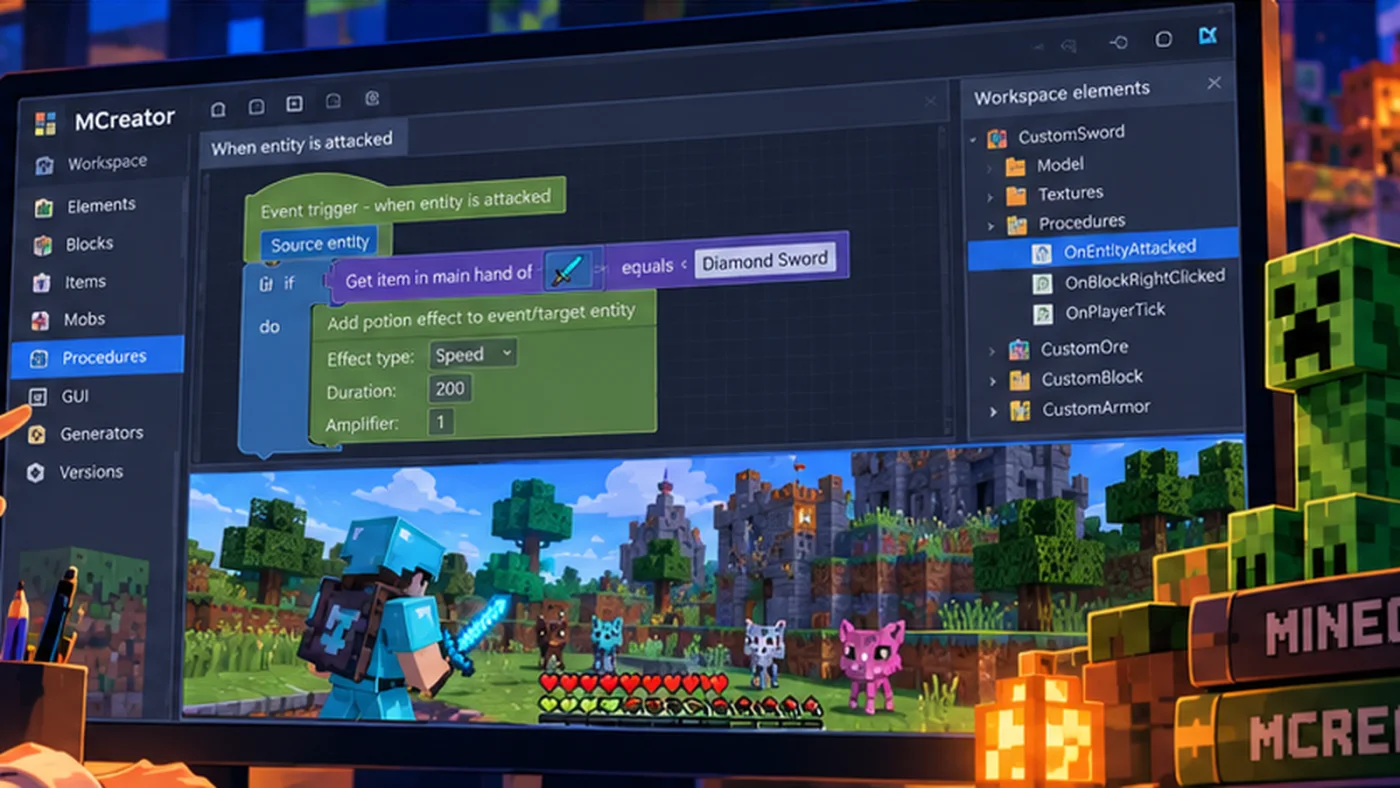
Instead of memorizing coding terms, students use MCreator’s visual programming tools to make things happen. They work through each project, try ideas in Minecraft, investigate what does not work, and make changes based on the result. Each creation provides a reason to practice functions, triggers, variables, conditions, loops, testing, and debugging.
Create
Make custom Minecraft content
Design blocks, textures, tools, custom ores, and recipes—and see the results in a test world.
Code
Make the creations respond
Use procedures, events, conditions, loops, and variables to give mods special behavior.
Experiment
Build and animate a custom mob
Work with Blockbench and MCreator to develop an original mob model, animations, and attacks.
What your child gets
Nine required course units, one optional final lesson, student-paced Nearpod lessons, access to the Student Dashboard, saved progress, a way to request help, and a Create2Discover Certificate of Completion after all nine required units are marked complete.
Students can return to lessons, replay explanations, troubleshoot their work, and move at a pace that fits their experience. The optional final lesson teaches how to export and install a completed mod—it is available but not required for the certificate.
See the course journey
Students start with the tools, develop a playable mod, then progress toward custom game systems and creatures.
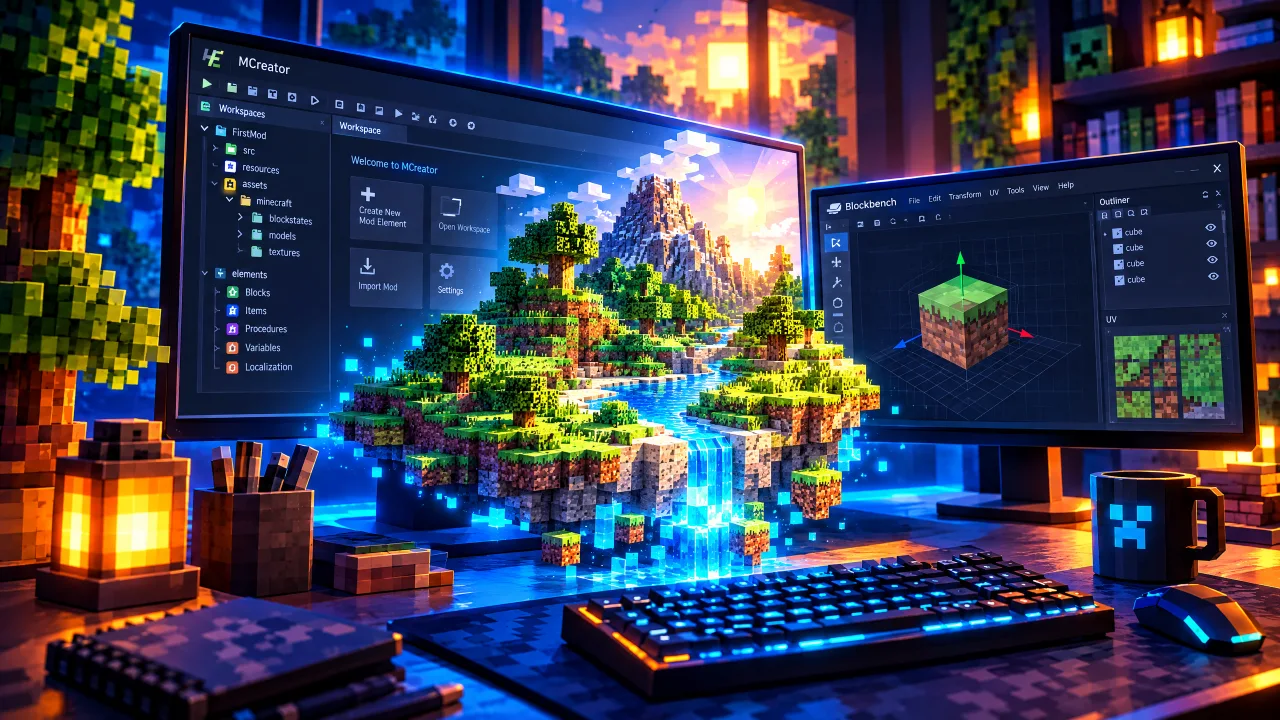
Setup
Install MCreator, Blockbench & Create a Workspace
Install the required tools with parent supervision, create or open an MCreator workspace, and learn the basic build-test-stop workflow used throughout the course.
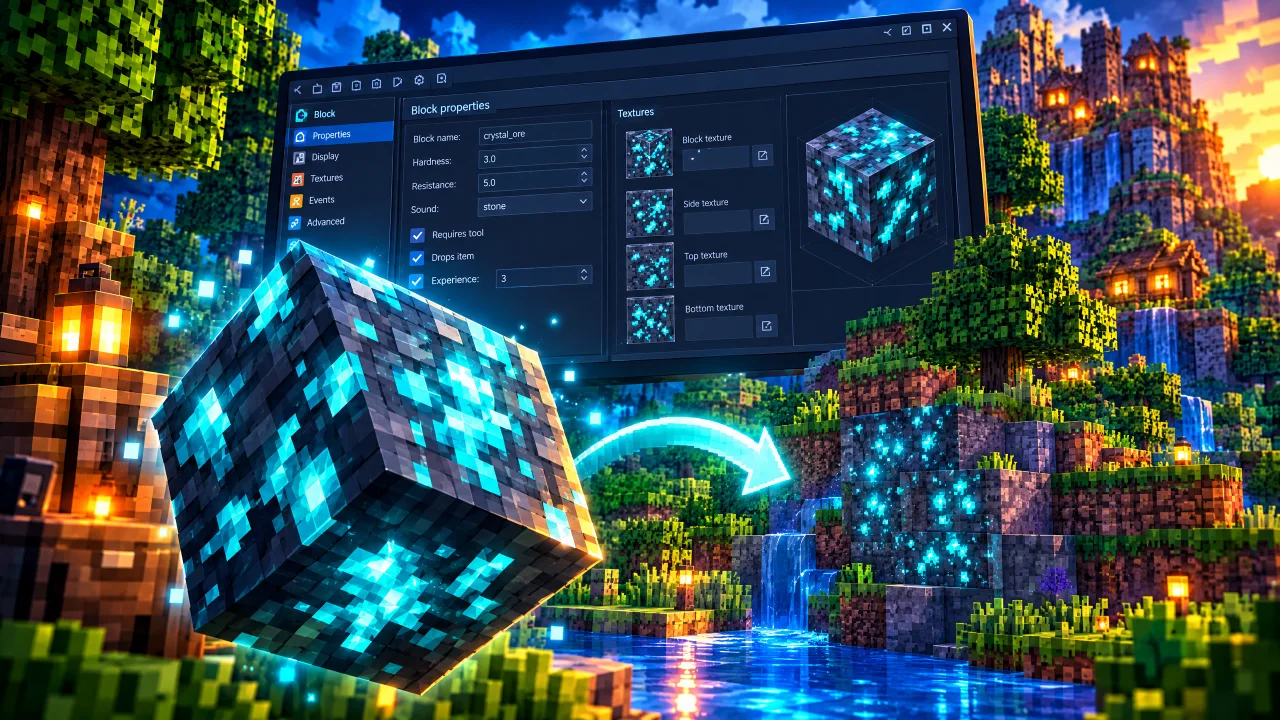
Lesson 1
Creating a Block
Create a texture and custom block, change block properties, launch the development version of Minecraft, and test the new block in a Creative world.
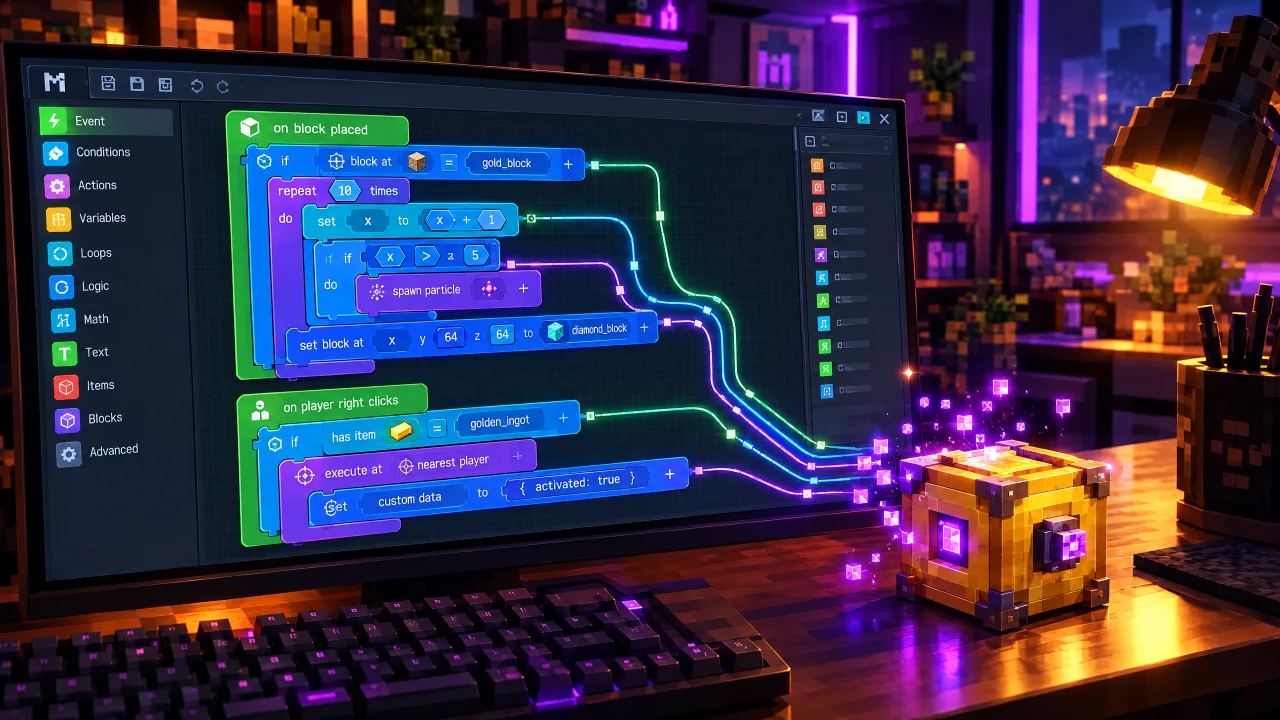
Lesson 2
Creating Procedures
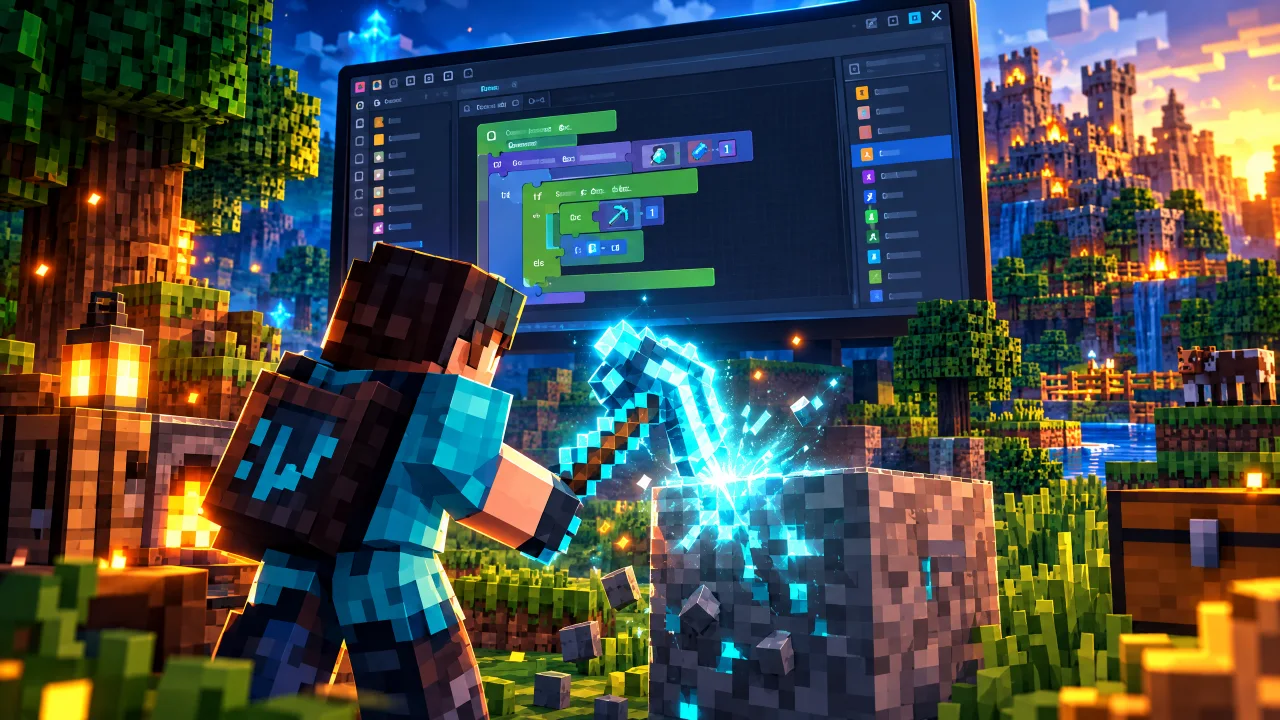
Learn how procedures/functions and triggers work, connect events to actions, and use loops to repeat behavior inside a Minecraft mod.
Lesson 3
Creating a Tool
Create a custom tool and code special right-click behavior that affects the location the player is targeting, then extend it with original effects or projectiles.

Lesson 4
Special Combinations
Combine triggers, block data, conditions, and actions so a tool behaves differently when it is used on a specific block or situation.
Lesson 5
Custom Recipes
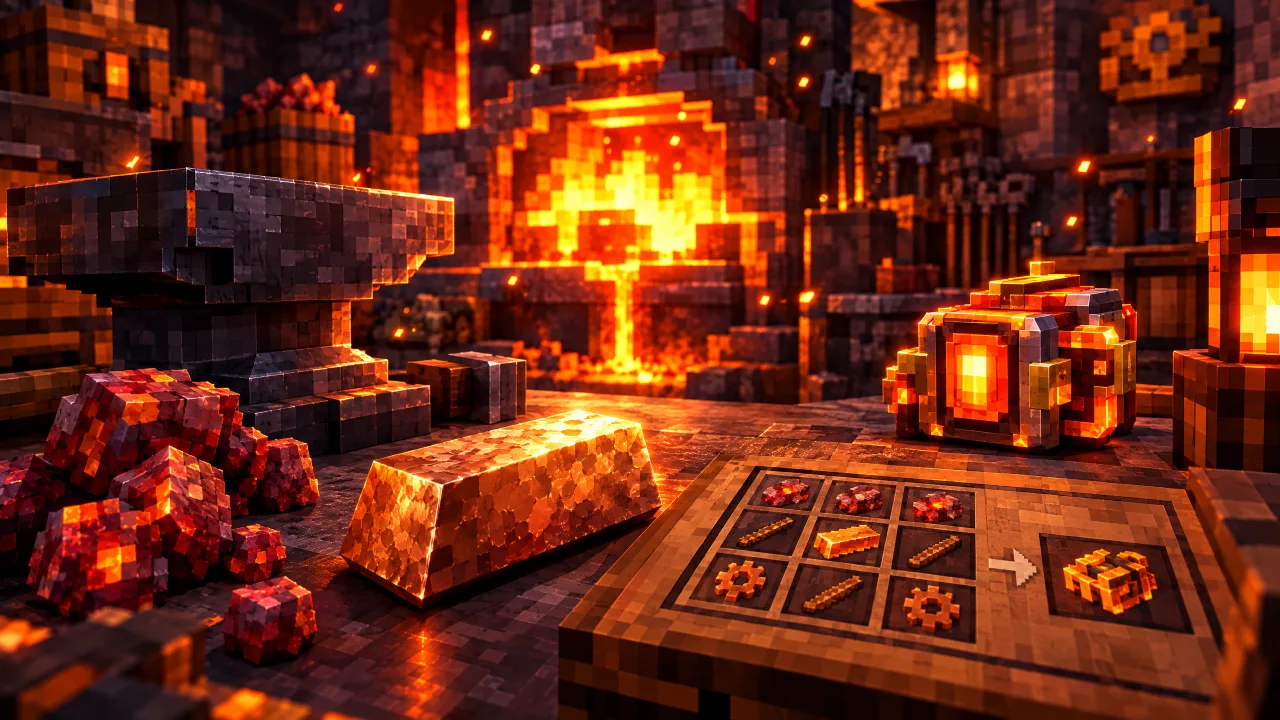
Create a custom ore and ingot, configure world generation, add smelting and crafting recipes, and experiment with randomized bonus behavior.
Lesson 6
Creating a New Mob
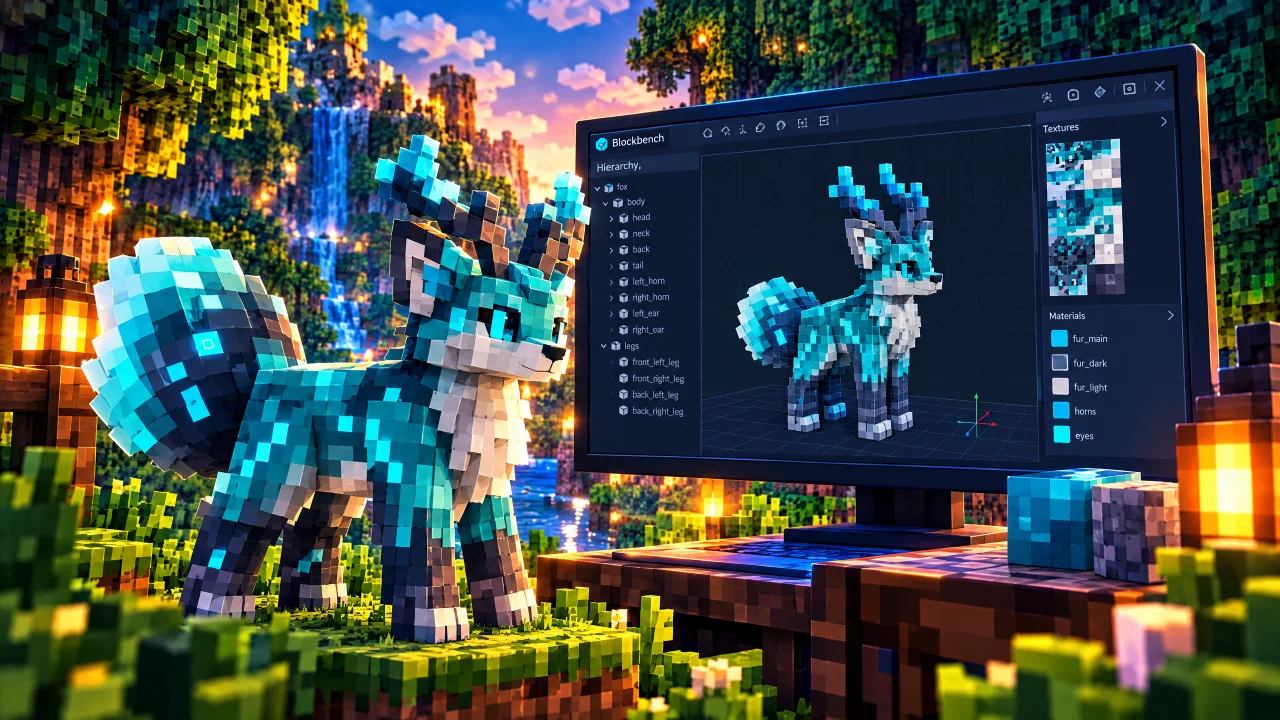
Use Blockbench to design and texture a custom Minecraft mob model, organizing body parts so the model is ready for animation and import.
Lesson 7
Finishing the Mob in MCreator
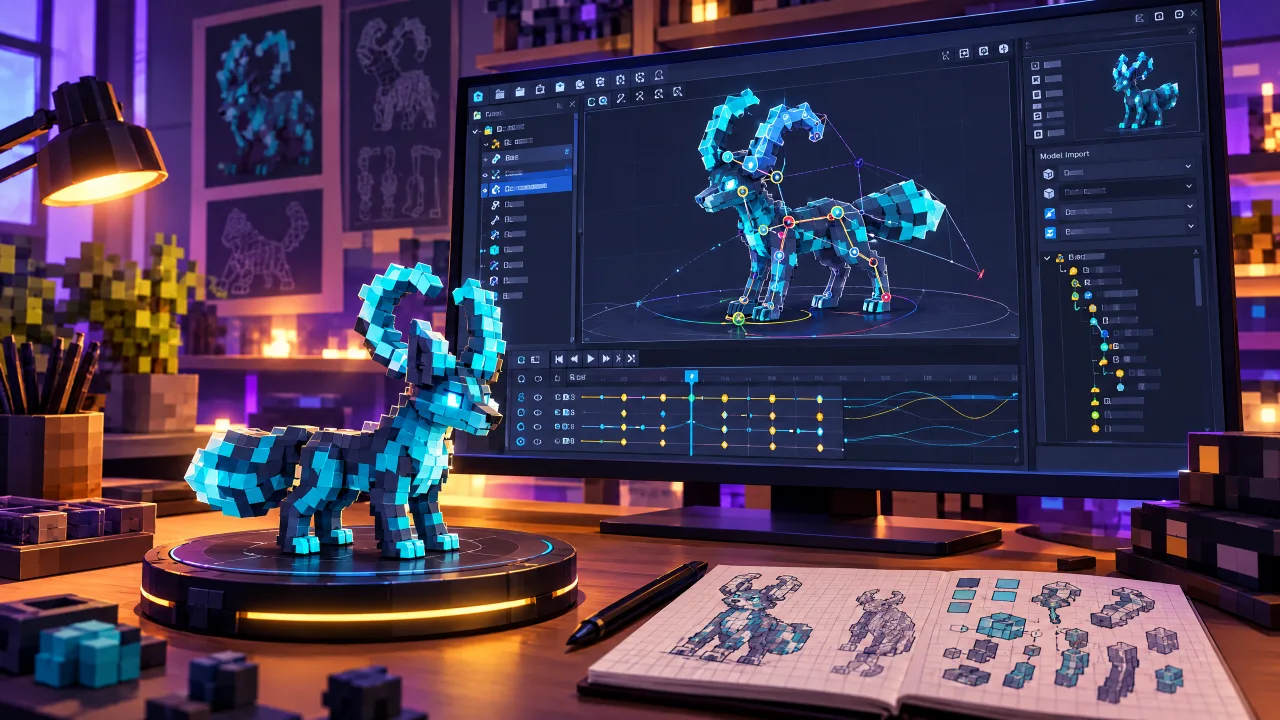
Set pivot points, export and import the custom model, configure animations, and define entity behavior inside MCreator.
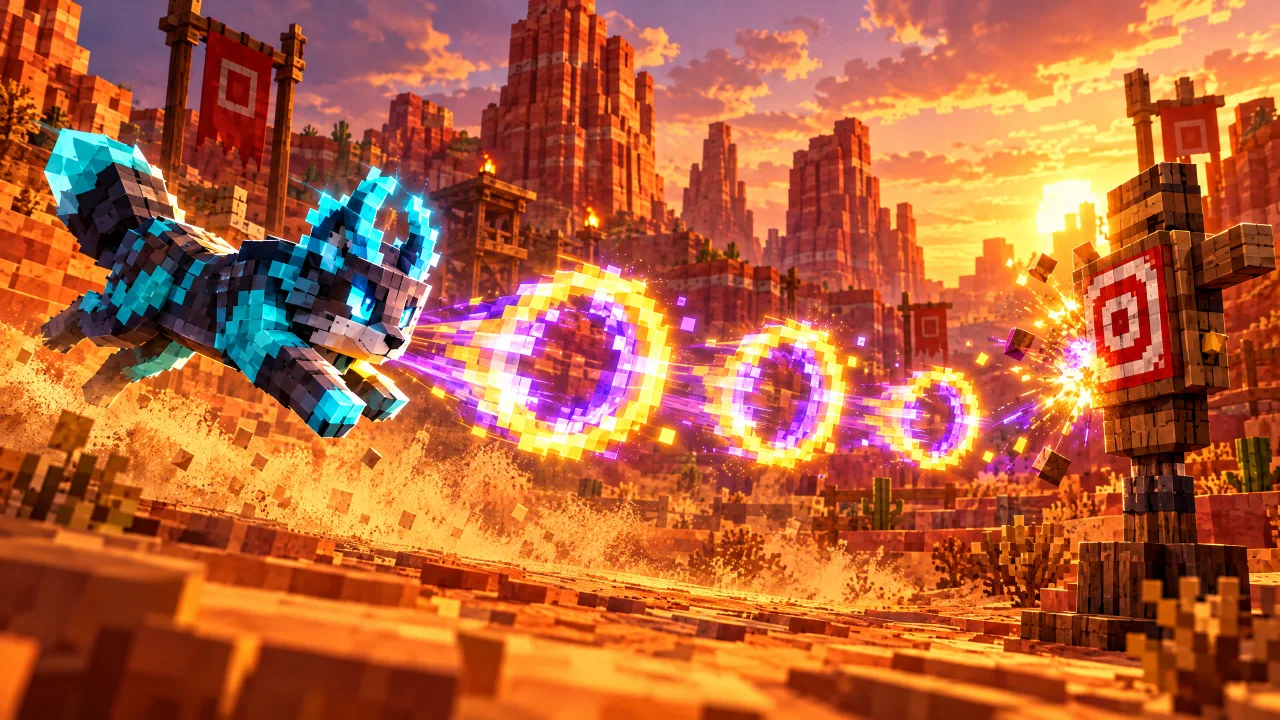
Lesson 8
Mob Attacks
Create randomized mob attacks using variables, random number selection, conditional branches, triggers, testing, and debugging.
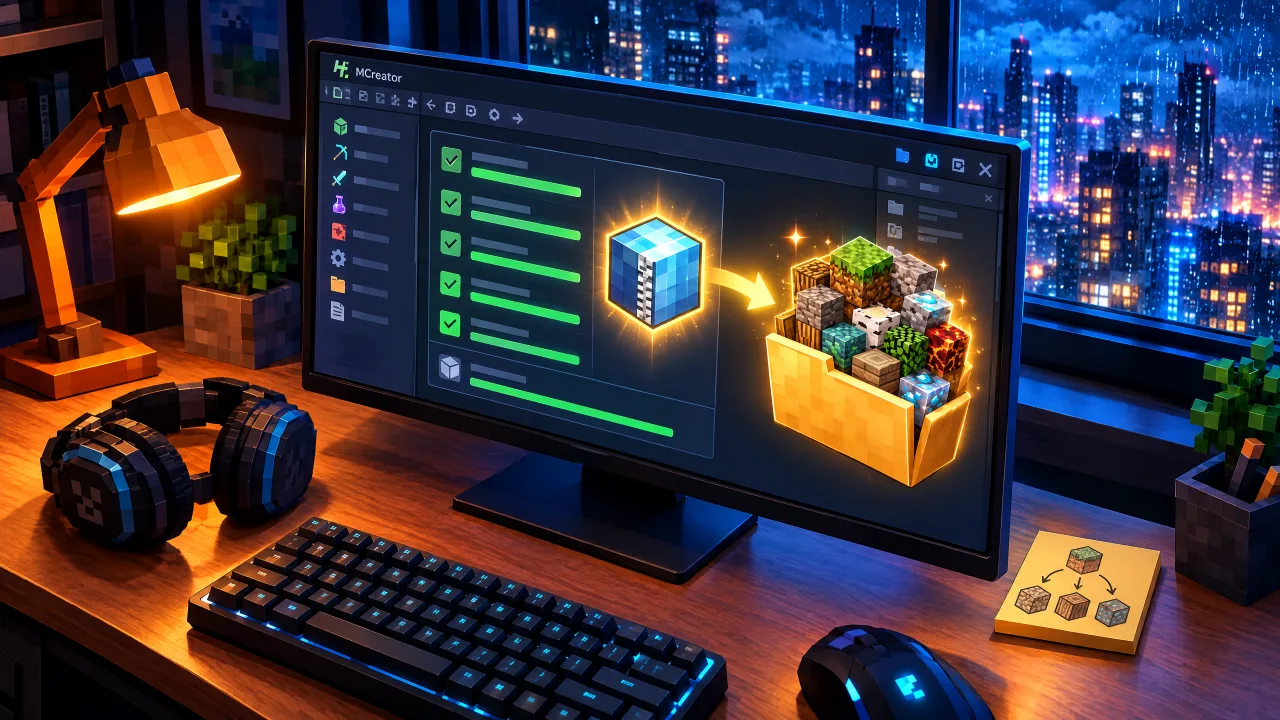
Final Lesson (Optional)
Exporting and Installing Your Mod
Export your completed mod from MCreator, install it in a compatible Minecraft Java Edition modded setup, and test the finished creation.
How self-paced learning works
1. Enroll
Purchase once
A parent creates or signs in to a family account during registration. As soon as payment is verified, the course is added to the Student Dashboard automatically. A secure email link is available if setup is interrupted.
2. Create & test
Work through Nearpod lessons
From the Student Dashboard, open each lesson, follow the activities in MCreator, and try the result inside Minecraft.
3. Track progress
Pick up where you left off
Mark lessons complete in the dashboard. When all nine required units are finished, the student’s completion certificate becomes available.
What you need before starting
Computer and software
- A compatible Windows or Mac computer, with parent assistance for installation as needed.
- Minecraft Java Edition (not Bedrock/Pocket Edition, console editions, or tablet apps).
- MCreator installed for creating and testing mods.
- Blockbench for lessons that involve custom mob models and textures.
- A keyboard, mouse, or trackpad, and a reliable internet connection to access lessons.
Who will enjoy this course
- Kids ages 10–14 who love Minecraft and want to make original mods.
- Beginners who benefit from a clear path without a fixed class meeting time.
- Students who want to practice creativity, programming logic, problem-solving, and debugging.
- Families who want independent learning with an option to ask Create2Discover for help.
Designed by an experienced educator
Create2Discover emphasizes understanding over copying. Learners are encouraged to make predictions, test their work, troubleshoot problems, and experiment with their own ideas so they can grow as independent creators.
Self-paced does not mean unsupported
Enrolled students can use Get Help in their Student Dashboard to describe a problem, share what they tried, and request support with an MCreator setting, procedure, or Minecraft test result.
Students who want personalized support after the course can also explore 1-on-1 Minecraft Modding tutoring.
Refund policy
Full refund if requested within seven days of purchase and before the learner begins Lesson 2. If a Create2Discover technical or access problem prevents use of the course and cannot be reasonably resolved, Create2Discover will provide a refund or equivalent remedy. Applicable law may provide additional rights.
Beginner Minecraft Modding • One-time $70
Turn Minecraft curiosity into original creations.
Create or sign in to your family account during registration, complete secure checkout, and start learning from your Student Dashboard.
Prefer live support? Explore tutoring Already enrolled? Student Login