
Create • Code • Test • Improve
Self-paced coding and game creation for kids
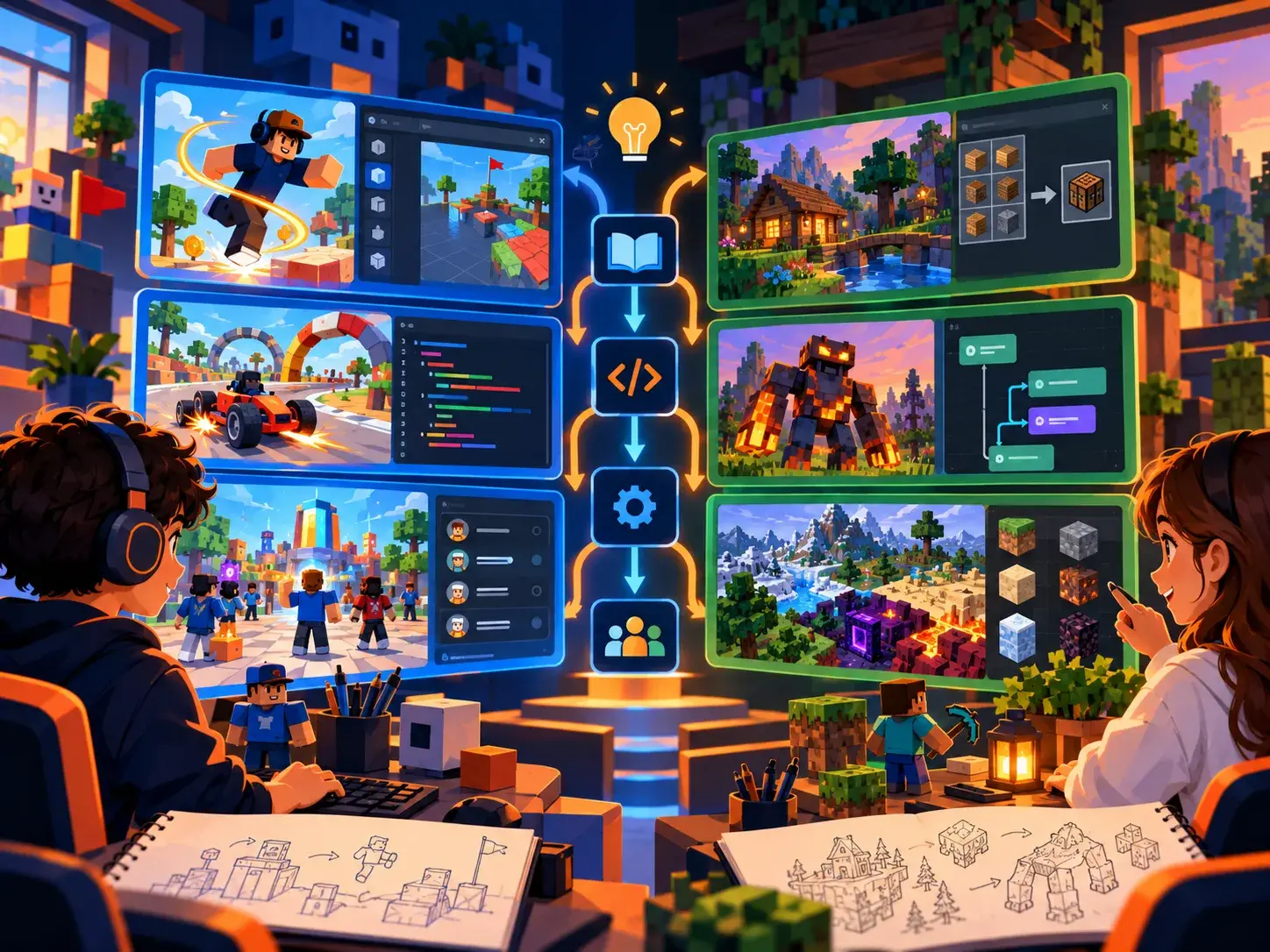
Two hands-on beginner paths. Kids can create their own Roblox game or build Minecraft mods with MCreator, following guided lessons at their own pace.
Choose what your learner wants to create
Both courses cost $70 once, provide student-paced lessons, saved progress, troubleshooting support, and a Create2Discover Certificate of Completion.
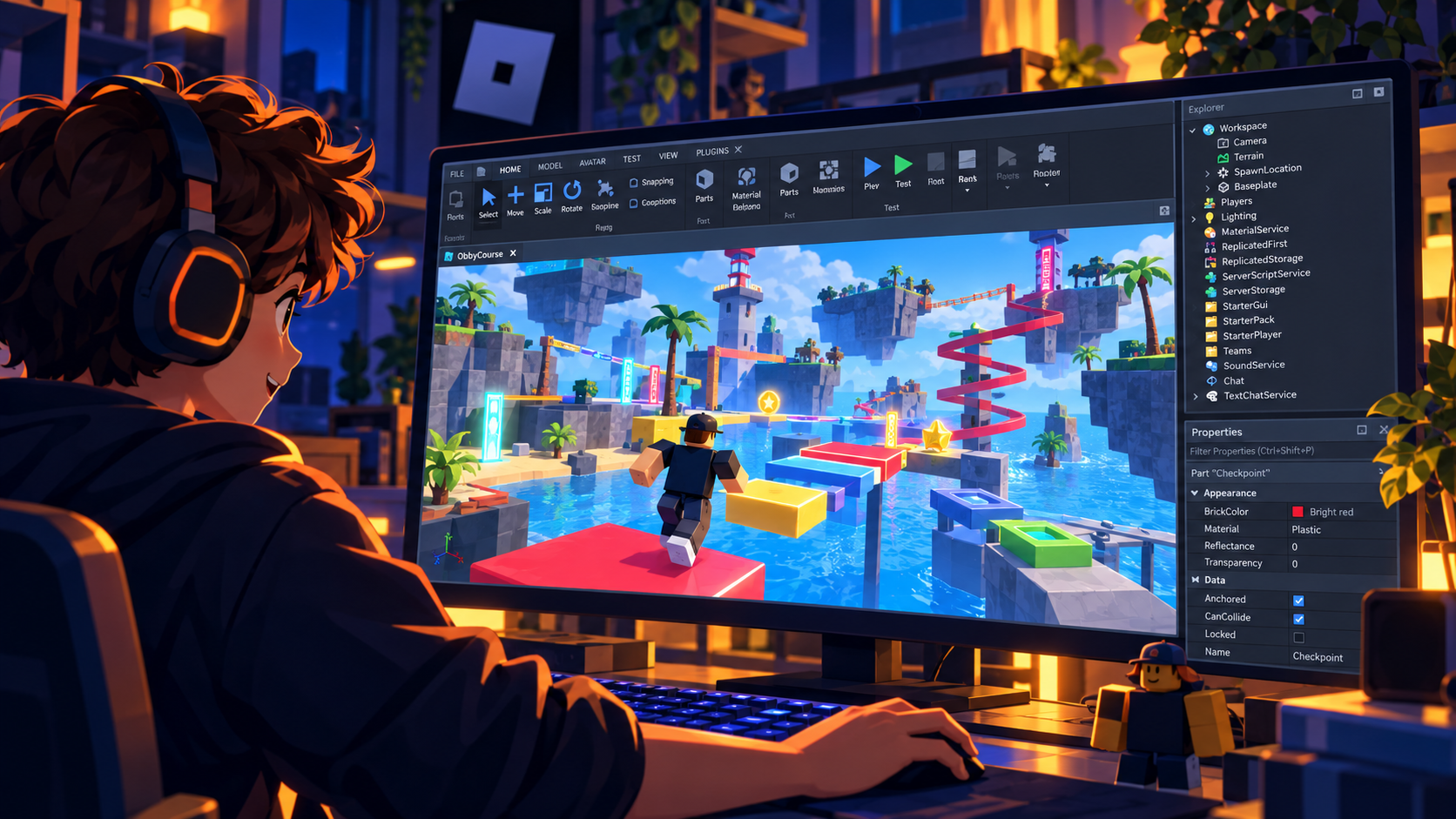
Roblox Studio • Self-Paced • Ages 9–13
Game Design With Roblox — Beginner
Go from playing Roblox to creating a game of your own. Build a world, learn beginner Lua scripting, add interactive effects, and test and improve your work.
- 11 guided course units
- Beginner Roblox Studio building and Lua coding
- Requires a compatible computer and Roblox Studio
$70 one-time
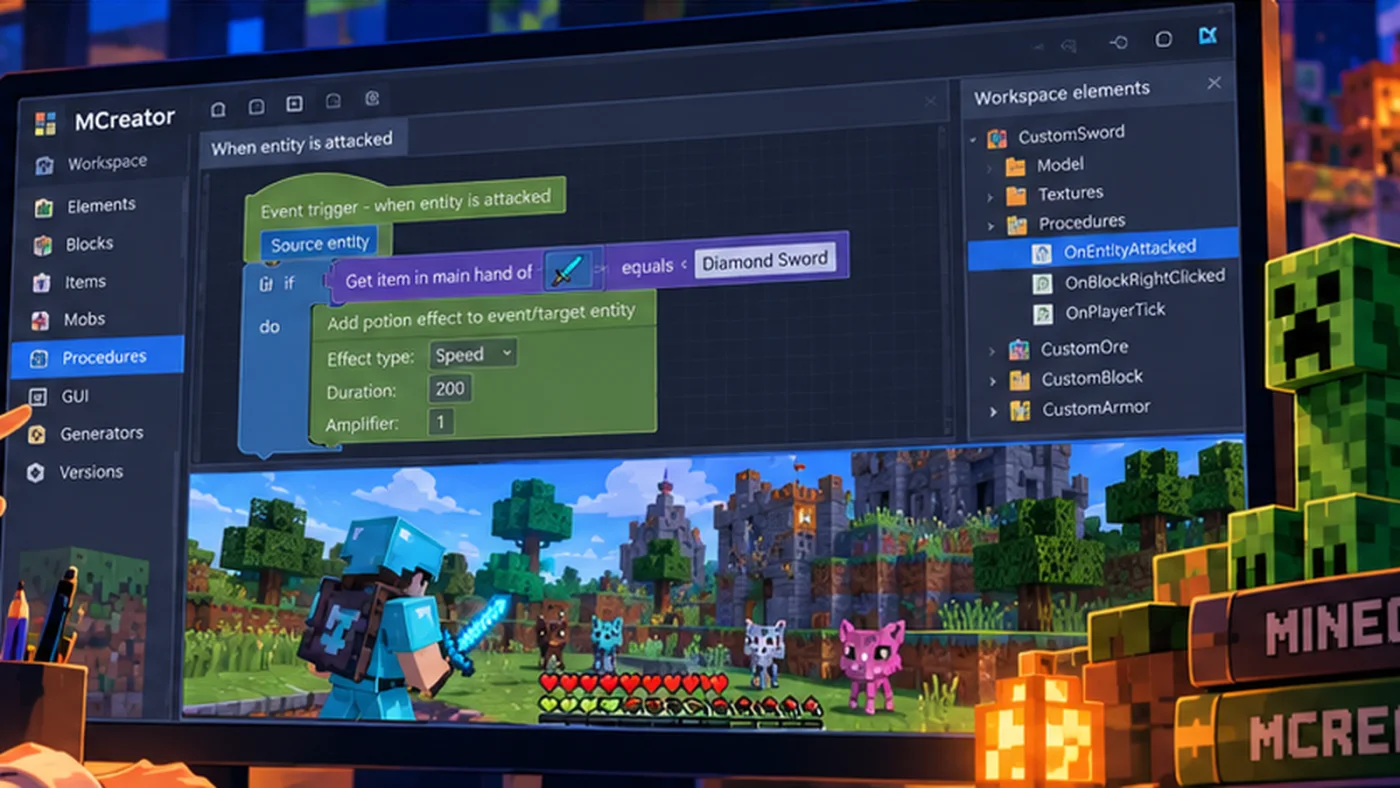
Minecraft Modding • Self-Paced • Ages 10–14
Minecraft Modding With MCreator — Beginner
Create custom Minecraft blocks, tools, recipes, and mobs. Use visual procedures and conditions to give your mods new behaviors, then test them in Minecraft Java Edition.
- 9 required course units plus 1 optional final lesson
- Beginner visual coding, custom mobs, and Blockbench modeling
- Requires Minecraft Java Edition, MCreator, and a compatible Windows or Mac computer
$70 one-time
How the self-paced courses work
Step 1
Choose and enroll
A parent creates or signs in to a family account while registering, chooses the learner, and completes secure checkout. Once payment is verified, the course appears in the Student Dashboard automatically.
Step 2
Create, test, and repeat
Students open one guided Nearpod lesson at a time from the dashboard, build the project on their computer, and experiment as they learn.
Step 3
Track progress and get help
Students mark lessons complete in the dashboard, get troubleshooting help when needed, and earn a certificate after finishing the required units.
Not sure which course to choose?
Choose Roblox if your learner enjoys making interactive games and wants to begin Lua scripting. Choose Minecraft Modding if they enjoy Minecraft Java Edition and want to design their own blocks, tools, mobs, and visual-coded behaviors. Neither beginner course requires previous coding experience.
Students who benefit from live explanations and personalized projects can also explore 1-on-1 tutoring or private group classes.
Already have a course?
Sign in to the Student Dashboard to continue learning. You can revisit past lessons, see your progress, and request help.