
Roblox Studio • Building • Beginner • Ages 8–14
Getting Started With Roblox Studio
Learn the Roblox Studio building basics and begin creating your first game environment with parts, properties, anchoring, and play testing.
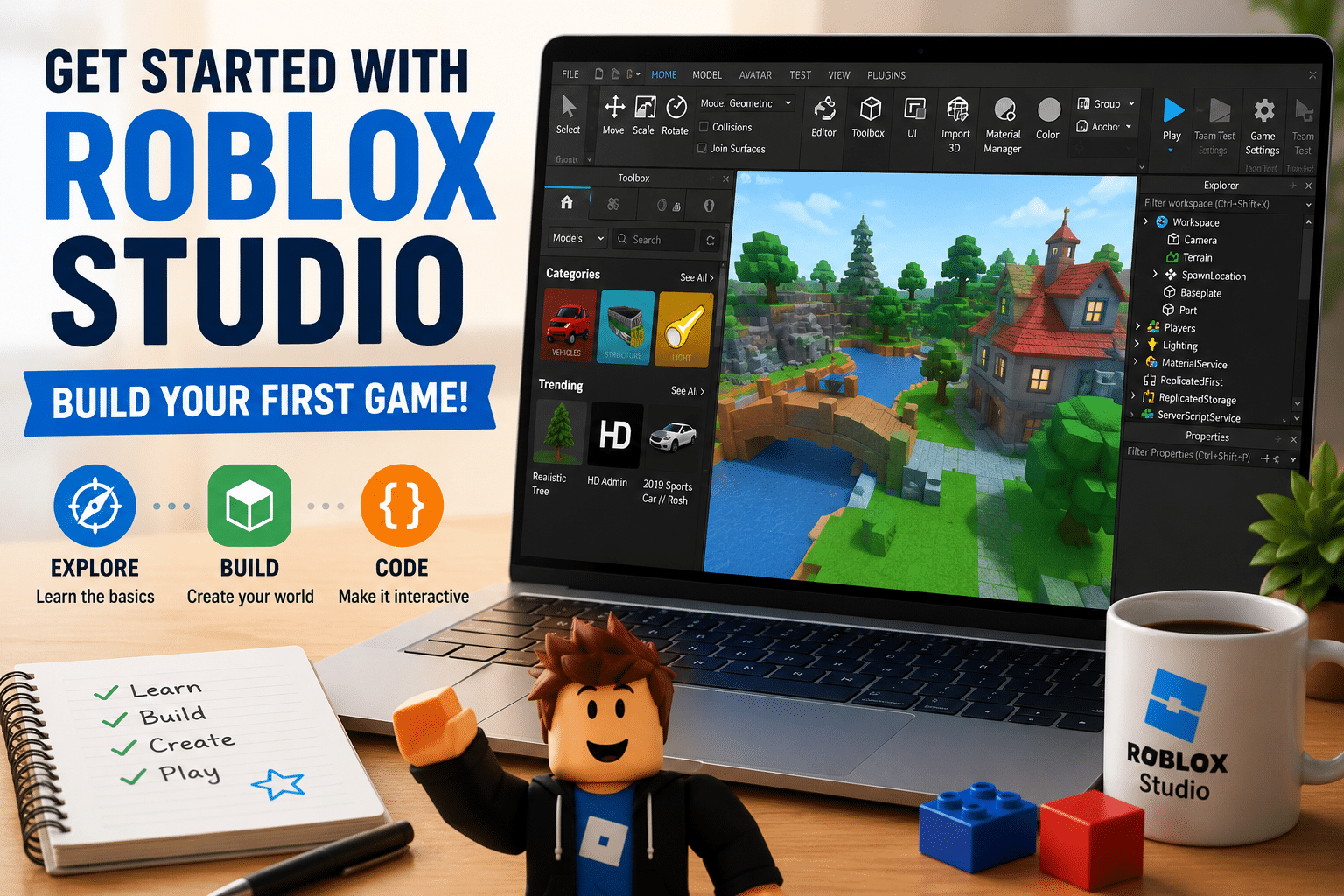
Getting started with Roblox Studio can feel overwhelming, especially if you have never created a game before. Every Roblox creator begins with the same foundation: learning how to move around Studio, add objects, change their properties, and test what they build.
Watch the beginner building lesson
Watch the Roblox Studio building lesson on YouTube
What students practice
Build with Parts
Add basic 3D shapes and use them to begin creating a game world.
Change Properties
Experiment with size, position, color, material, and other properties to change how objects look and behave.
Test the Game
Use Play mode to see what happens, notice problems, and improve the build.
Build along instead of only watching
The best way to use this lesson is to keep Roblox Studio open and create along with the video. Pause when needed, try each step yourself, and make a few creative changes once the basic version works.
Try a creative challenge
After practicing the building tools, create a small environment of your own. It could be an obstacle, a tower, a room, a bridge, or the beginning of a larger game. Make at least three changes to the size, material, color, or placement of your parts, then test the result.
Ready to add coding?
Once the building tools feel comfortable, the next step is learning how code can make objects react and create game behavior.
Continue to Lesson 2: Your First Roblox Script
Want personalized Roblox Studio support?
Create2Discover offers live 1-on-1 Roblox Studio tutoring for students who want structured lessons, personalized pacing, and help understanding the coding behind their games.
More Create2Discover resources
Try the Roblox Studio STEM building challenge
Browse more free resources