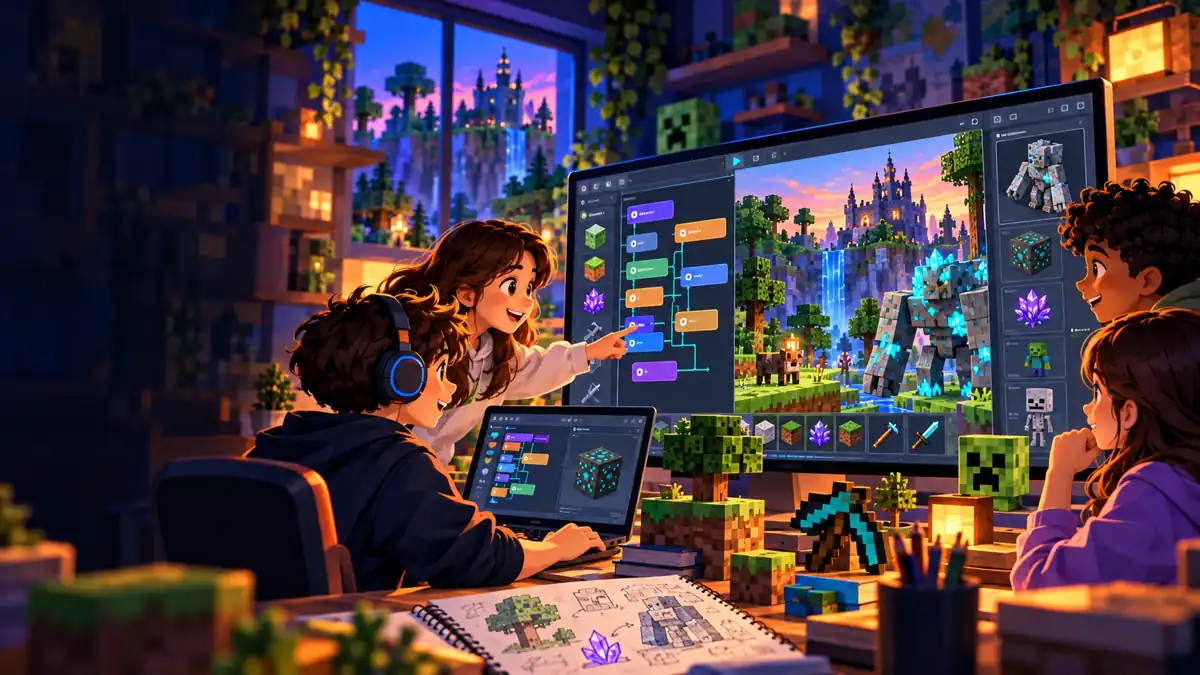
Modding With Minecraft: Beginner Modding Part 1
Ages 9-13
A private live online Minecraft modding class where students learn real coding concepts while creating their own custom Minecraft mods with MCreator.
AGES: 9 – 13
PREREQUISITE: None
SOFTWARE: MCreator– View Website –Cost- FREE, Minecraft Java Edition– View Website-Cost- $29.99, and Blockbench– View Website— Cost- FREE
CODING LANGUAGE: Blockly (Visual Based Language)
PATH: Creating Minecraft Mods
FORMATS: Private Live Group Class — 2–9 Students
Modding With Minecraft (Beginner Modding: Part 1)- Ages 9-13
This Minecraft class introduces students to creating mods using a block-based language. The coding blocks help students learn important concepts that can prepare them for more advanced coding languages and mods in the future.
Students in this class learn to use coding to make fundamental changes to what is possible in Minecraft. They learn how to create custom blocks, tools/weapons, and NPCs (Mobs) Students are also introduced to important programming concepts.
Bring Your Group. We’ll Bring the Class.
Create2Discover offers this Minecraft modding course as a private live online class for groups of 2–9 students. It’s a great option for homeschool co-ops, schools, afterschool programs, STEM clubs, learning pods, siblings, and groups of friends.
You bring the group, and we provide the live instruction. We’ll work with you to find a schedule that works for your students.
Technology Requirements:
- A Minecraft (PC/MAC-Java Edition) is required for this program. See website. Other editions of Minecraft (like Windows 10 and Pocket Edition) will not work with the class.
- You must have a PC or Mac to run this edition of Minecraft. It will not work on a Chrome Book or tablet.
- Students use a free program called MCreator to build and code their mod. https://mcreator.net
- Students use a free program called Blockbench (a 3D model editor) to create a custom texture for an NPC (Mob). https://www.blockbench.net/
In this Minecraft class, students will learn to…
- Use a drag and drop programming language called Blockly. Blockly is a great way to set students up for more advanced programming.
- Organize commands and directions into functions.
- Give special abilities to weapons in Minecraft.
- Create new items in Minecraft (blocks, tools, NPCs).
- Customize AI of NPCs (Mobs) they create.
- Create their own textures to give a custom look to new items.
- Create amazing Mods using programming loops, logic (IF/THEN), and more!
- Define and use variables in coding.
Create2Discover classes integrate future-ready skills into the curriculum to help prepare students for a rapid-changing future. This class includes a problem solving technique called computational thinking that helps students break down problems, look for patterns, use abstraction, and create an algorithm to solve the problem.
What Families Say About Us
“Excellent coding experience for kids. The Roblox coding class has been an excellent introduction to game development for my boys. The lessons are engaging, age-appropriate, and focused on building real coding skills through fun, hands-on projects. I’m so glad I found Shawn—he’s a fantastic instructor. Communication is always easy and prompt. I would highly recommend him and Create2Discover to other parents.”
Angel, Parent
About The Instructor
Shawn D. Walk has been an educator for over 20 years. He was a 4th/5th grade teacher for 11 years at an elementary school north of Pittsburgh. During his time at that school, he focused on project-based learning and engaging students with real-world tasks that allowed them to see how what they were learning is used in the real world. Shawn also developed several robotics and coding programs during his time as a teacher.
About 7 years ago, he started a company in Pittsburgh that partnered with schools to offer coding, Minecraft, and other creative classes. The company was one of the first organizations in the Pittsburgh region to use Minecraft to create engaging programs for students. In addition to teaching classes through Create2Discover, he also teaches classes on Outschool where he has over 1,300 five-star reviews from families.
Shawn has an active Pennsylvania Teaching Certification and a Masters Degree in education.
All Create2Discover instructors are required to complete a background check conducted by Checkr, a nationally recognized and trusted provider of background screening services. A copy of this background check can be obtained prior to tutoring by request. Read more about our trust and safety policies here.