
Parent guide • Roblox Studio • Live coding tutoring
How to Choose an Online Roblox Studio Coding Tutor for Your Child
A practical checklist for parents comparing live Roblox coding lessons: what children actually learn, what equipment they need, and how to tell whether teaching goes beyond gameplay.
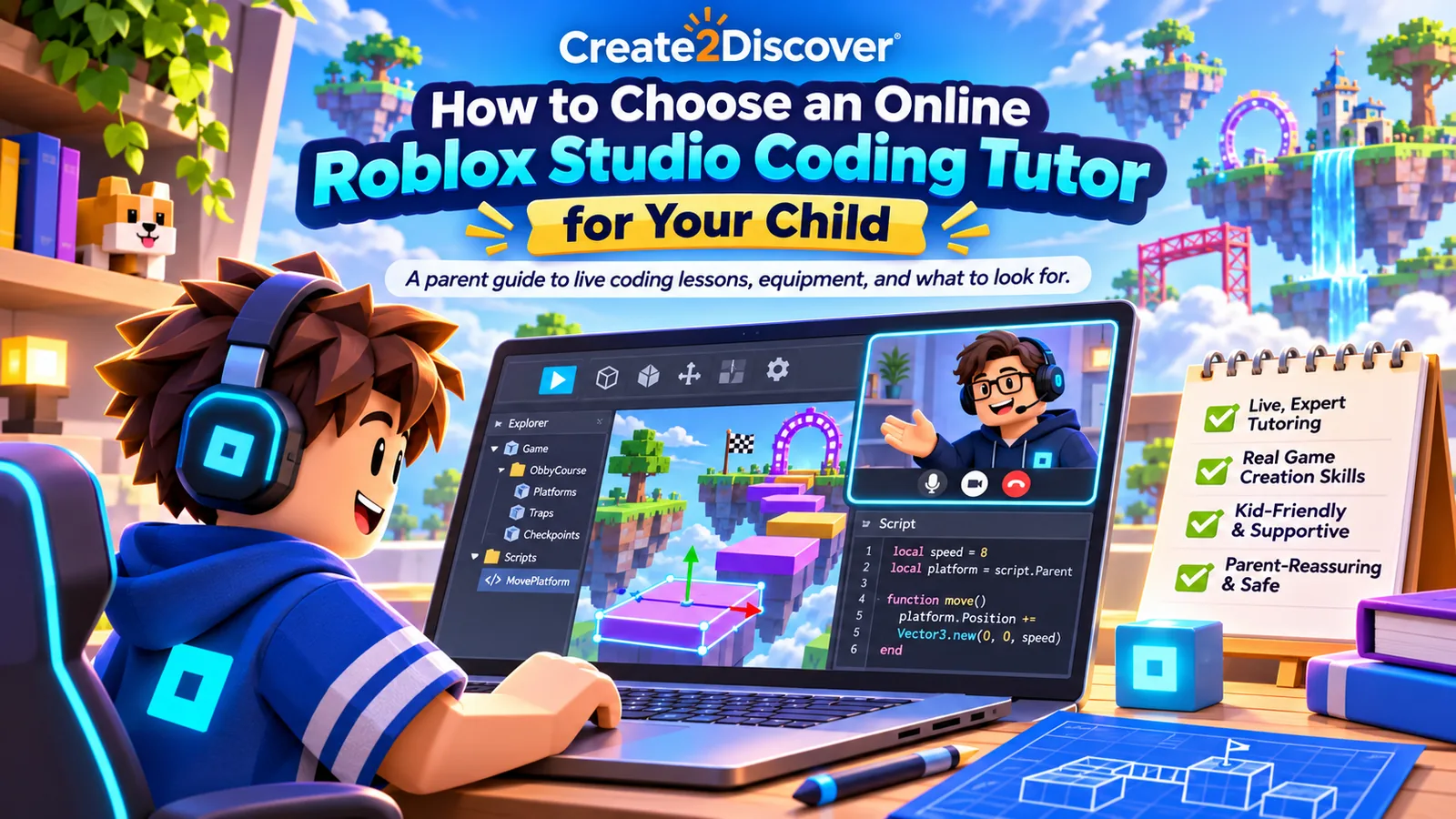
If your child loves Roblox and wants to make games, a good online Roblox Studio coding tutor should teach them to create, understand, and test their own projects—not just play Roblox with them or copy scripts onto the screen. Look for a teacher who can explain beginner building, Luau scripting, debugging, and the reasoning behind each step. The right format depends on your child’s age, experience, independence, and need for individual guidance.
First, decide what your child wants to learn
“Roblox lessons” can mean different things. Some families want strategies for playing games; others want their child to learn how a game is made. For creative coding, ask specifically for Roblox Studio instruction. Studio is the creation software; playing an existing Roblox experience is a different activity.
In a beginner Roblox Studio lesson, a learner might build a simple obstacle course, add parts and change their properties, then write a short Luau script that makes a part react when touched. The important learning is not the finished obstacle. It is knowing what an object is, what the function does, when the event runs, and how to test a change.
Want to see that learning approach before choosing a tutor? Try Create2Discover’s free Roblox Studio building lesson and first scripting tutorial.
Seven questions to ask a Roblox coding tutor
- Do you teach Roblox Studio and Luau, rather than gameplay coaching? Ask for an example of an actual building or scripting activity.
- Can a true beginner join? A supportive first lesson should explain Studio’s interface and build toward approachable coding concepts.
- How do you respond when code doesn’t work? Look for a teacher who helps students identify what happened, inspect the relevant lines, make one change, and test again.
- Is there a learning path? Children benefit from meaningful progression, even when the pace and examples are adjusted to individual needs.
- How much of the work does the child do? The instructor should explain and demonstrate, but the learner needs opportunities to decide, predict, create, and debug.
- What computer and software are required? Confirm device compatibility before paying for lessons.
- How will I know my child is making progress? Ask whether the teacher can explain what was practiced, what the child understood, and what comes next.
What does a good beginner lesson look like?
Imagine a child who wants a floor tile to change color when their character steps on it. A tutor can turn that interest into a sequence of small decisions:
- Create: Add and name the part in Roblox Studio.
- Code: Identify the part and write a function to change its color.
- Connect: Use the
Touchedevent to run the function. - Test: Play the game and see what happens.
- Improve: Change the color or try a second reactive part.
That “create → test → investigate → improve” routine is more useful than simply copying a finished script. It shows the child how a creator approaches a problem. Watch the public Create2Discover first-script demonstration to see the object–function–event pattern explained.
What equipment does a child need for Roblox Studio tutoring?
Roblox Studio is a free creation application for supported Windows or Mac computers. Playing Roblox on a tablet, phone, Chromebook, or game console does not mean that device can run the desktop Studio editor. Before purchasing a course, check your computer against Roblox’s official current Studio system requirements.
For Create2Discover’s current live tutoring setup, families also need a Roblox account, Roblox Studio installed, and Zoom access. You can ask about your device and readiness before arranging a session.
Should you choose one-on-one tutoring, a group class, or self-paced lessons?
One-on-one tutoring: Consider this if your child has lots of questions, needs help when scripts break, benefits from paced explanations, or wants more individual feedback. It is not a promise of an entirely student-designed curriculum; good individual instruction can still follow a structured sequence.
Private group classes: These can be a good fit when friends, siblings, or a homeschool group want to create and learn together. Ask about age range, group size, group prerequisites, and the organizer’s role. See Create2Discover’s private group options.
Self-paced courses: These suit learners who like to replay lessons, practice on a flexible schedule, and work relatively independently. A child needing quick explanations may still prefer live instruction. Compare the existing self-paced programs.
What does Create2Discover’s Roblox tutoring include?
Create2Discover currently offers live, online, one-on-one Roblox Studio tutoring for ages 8–14. The teaching focuses on building games, learning Luau coding, testing projects, and understanding what went wrong when an idea does not work. Lessons follow a structured path, with explanations, review, and pacing adjusted to each learner. Shawn Walk has more than 20 years of teaching experience, including 11 years as a classroom teacher.
The currently listed rate is $90 for a one-hour session, typically meeting weekly. Contact Create2Discover to discuss fit and current availability; specific times are not guaranteed by this guide. Parents receive a short summary after tutoring sessions.
Explore live 1-on-1 Roblox coding tutoring
Want to evaluate trust before inquiring? Read independent parent reviews and the Trust & Safety information.
Frequently asked parent questions
Does my child need to know how to code first?
No. In Create2Discover’s beginner pathway, children can begin with building and simple scripts. Students who already know some Studio basics can move on to more challenging concepts at an appropriate pace.
Is Roblox scripting the same as Python?
No. Roblox Studio uses Luau, a language derived from Lua. Children can still practice general programming ideas—variables, functions, events, conditions, and debugging—that can help them understand programming more broadly.
What if my child gets frustrated easily?
Ask the tutor how they balance useful challenge with timely hints. Students need to try things themselves, but a good teacher can help narrow the problem, revisit a missing skill, and keep the activity manageable. Our parent guide to productive struggle offers practical examples.
Can my child use an iPad or a Chromebook for this class?
Not for Create2Discover’s standard Roblox Studio tutoring setup. A supported Windows or Mac computer is required to use Studio. Roblox’s system requirements may change, so confirm the exact device before booking.
Is one-on-one tutoring better than group classes for every learner?
No. Individual tutoring is a fit for responsive help and pacing. Groups offer peer interaction and collaborative creation. Self-paced learning offers schedule flexibility. The best choice depends on the child’s needs and the family’s goals.
Want to try a lesson first?
Get four free game-creation lessons covering Roblox building, Roblox scripting, Minecraft modding, and MCreator procedures. The first lesson is delivered when the parent subscribes, followed by the existing lesson sequence. An adult should use the form and review the email consent terms.
Ready to discuss the right starting point?
Tell us your child’s age, experience with Roblox Studio, and what they would like to create. We can discuss whether one-on-one tutoring is a good fit.
Technical references: Roblox Studio setup and system requirements; Roblox Creator Hub events and Touched scripting. Educational activities and current Create2Discover tutoring details are drawn from the existing live program and public instructional resources.